See your money clearly.
Kirocal brings everyday entries, subscriptions, receipts, assets, and currencies into one organized mobile workspace — starting on iPhone and expanding to Android, with the context behind every number.



Beginning on iPhone and growing into a mobile experience for both iOS and Android. All interface images on this page are captured directly from Kirocal.
Kirocal is coming soon to Google Play.
Official release scheduled for December 31, 2026 at 00:00 (GMT+0)

Start with the day, then see the full picture.
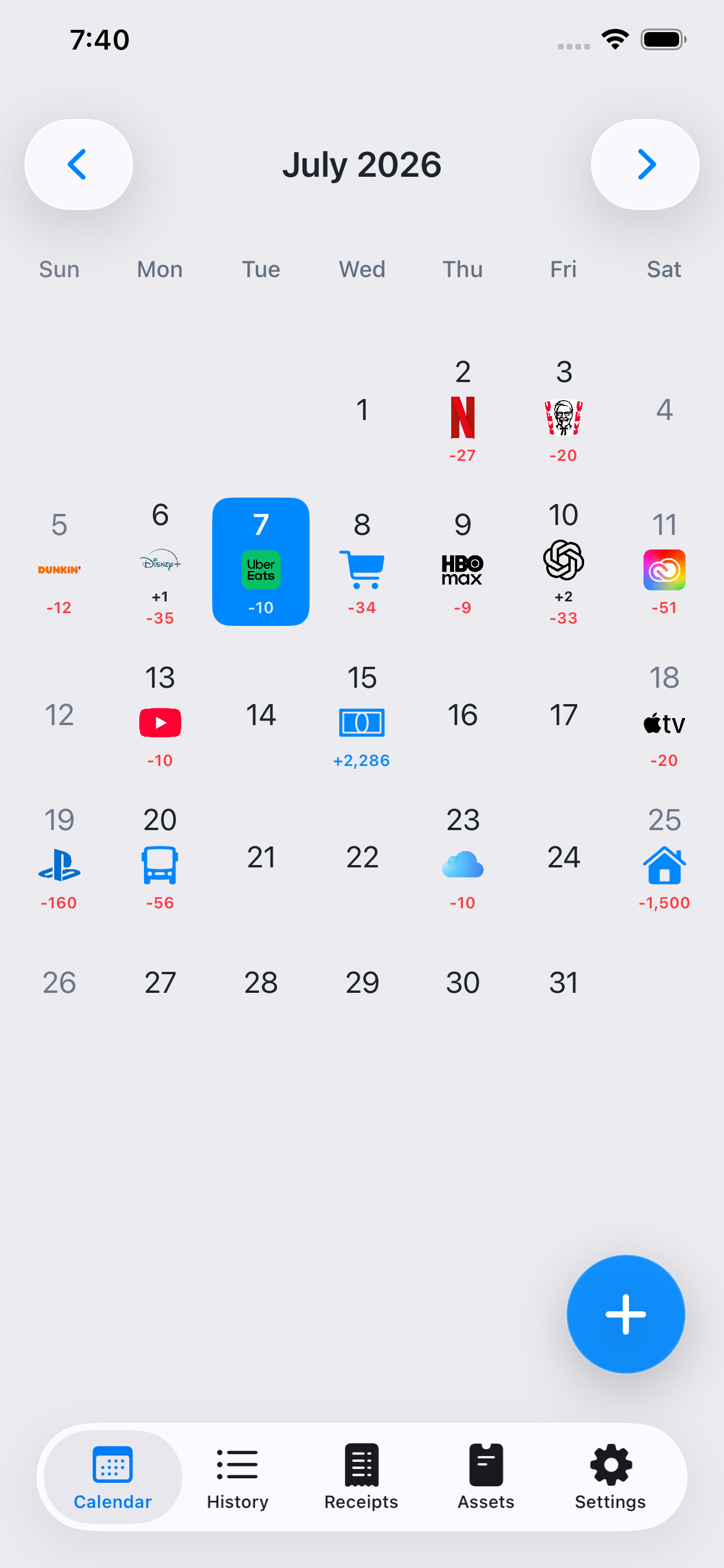
Kirocal gives each date a compact financial footprint. Review activity at a glance, open the day to see the underlying entries, and move through your month without losing context.
A calendar that shows what happened — not just the date.
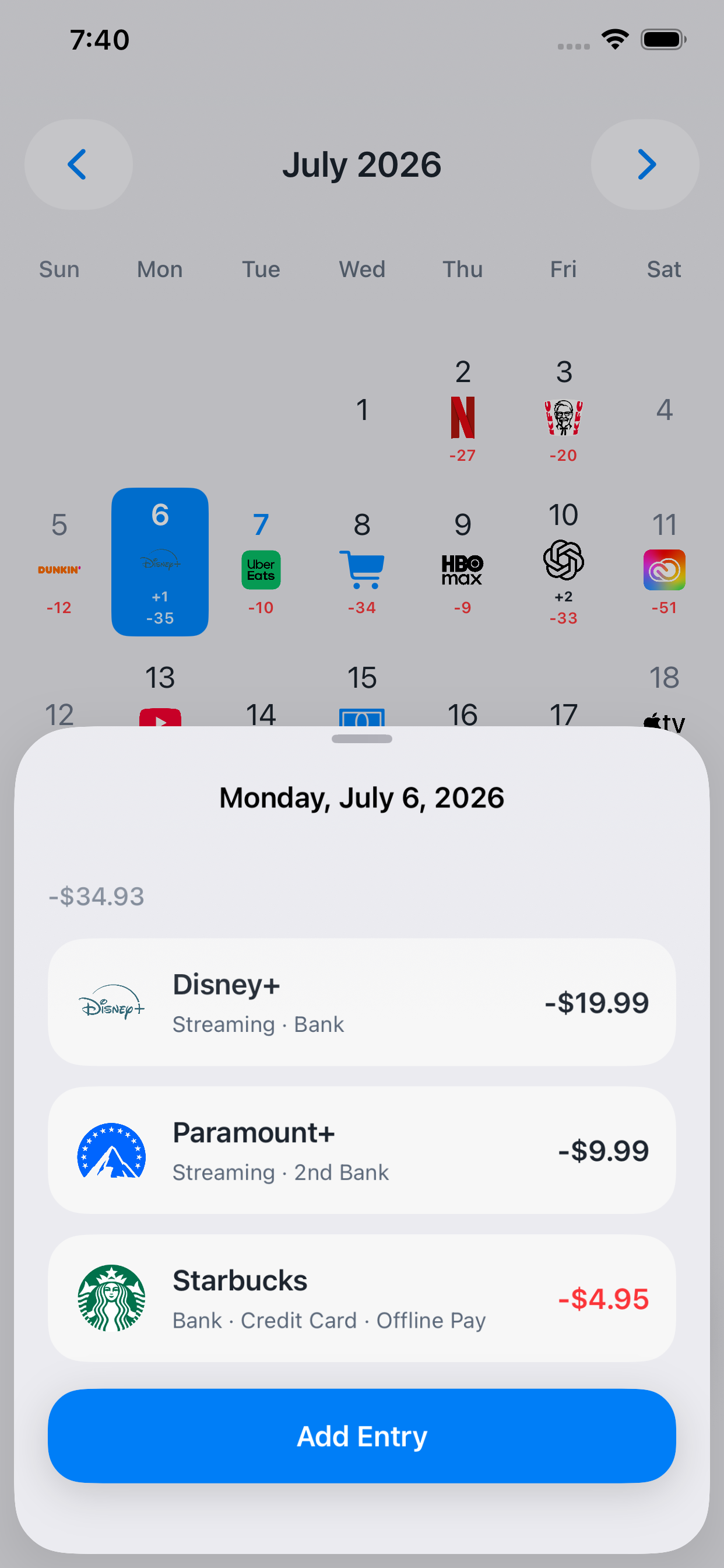
Expense, income, subscription, and other financial activity can be represented directly on the month view. Tap a day to inspect the entries behind it and continue recording from the same place.
- Monthly calendar overview with recognizable entry visuals.
- Daily sheet for reviewing multiple records in a single place.
- Quick add access while you are already looking at the relevant date.
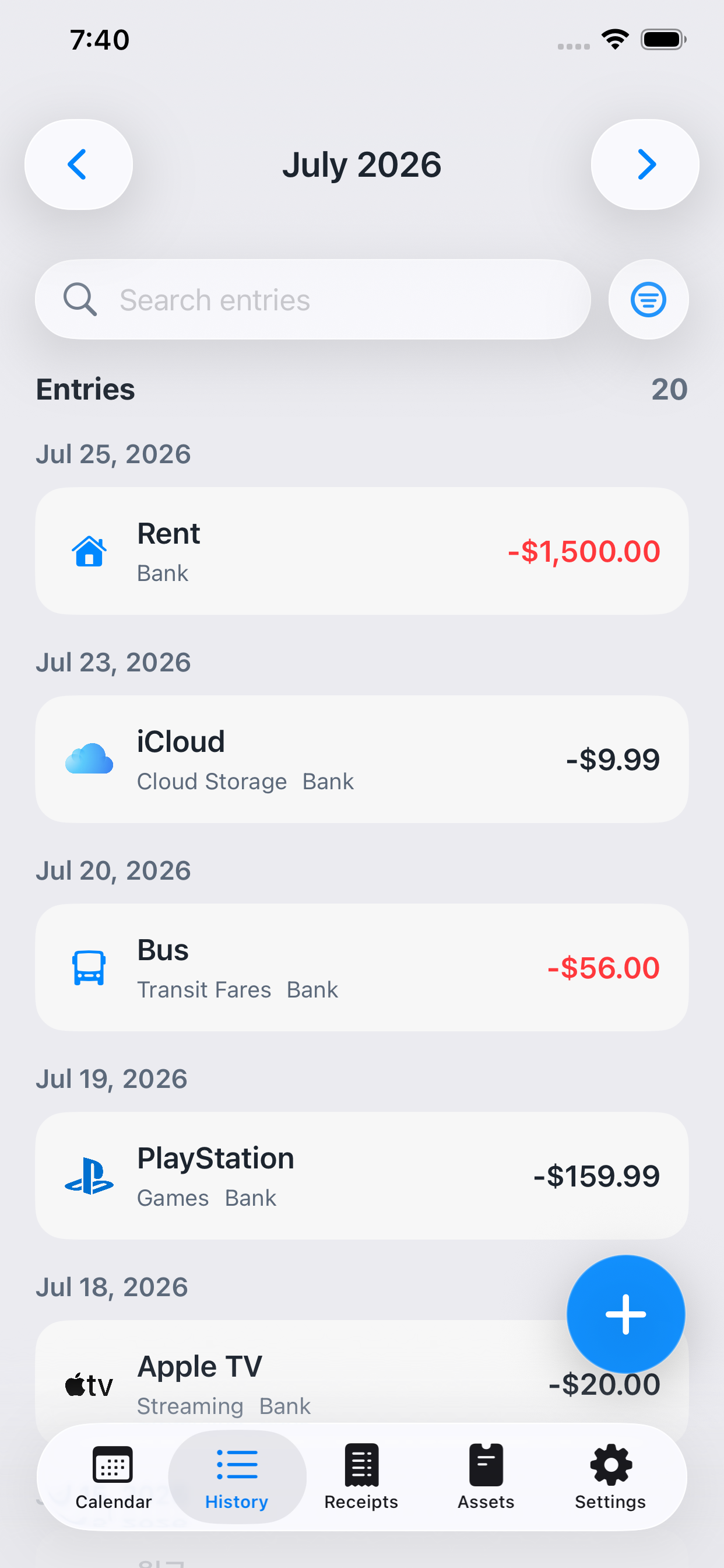
A clean running record of every entry.
Use the history view when you want a focused transaction list. Search, filter, and scan entries grouped by date while keeping merchant, category, payment method, and amount easy to read.
- Searchable history designed for fast review.
- Date-based grouping that makes older spending easier to find.
- Direct access to the entries that update your assets and records.
Keep the proof. Turn it into a record.
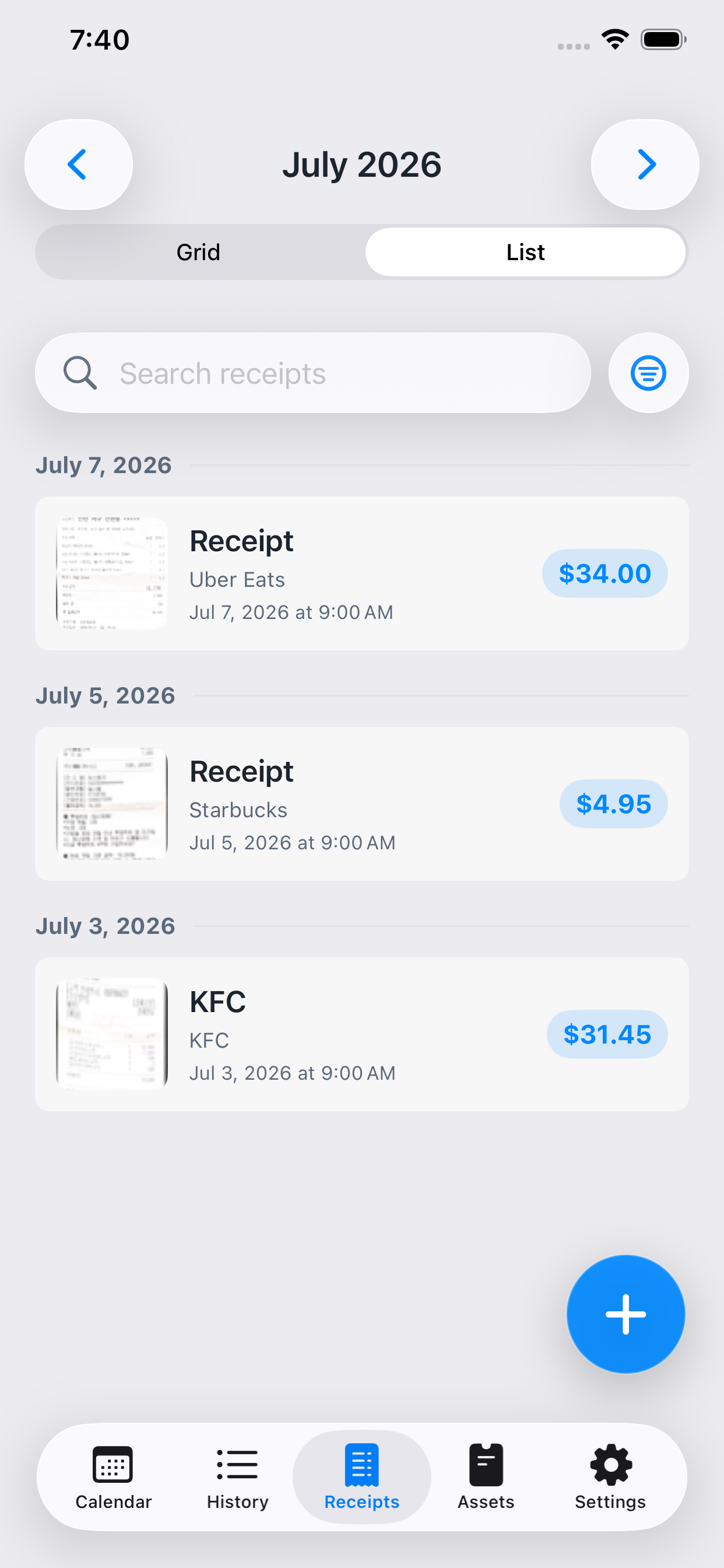
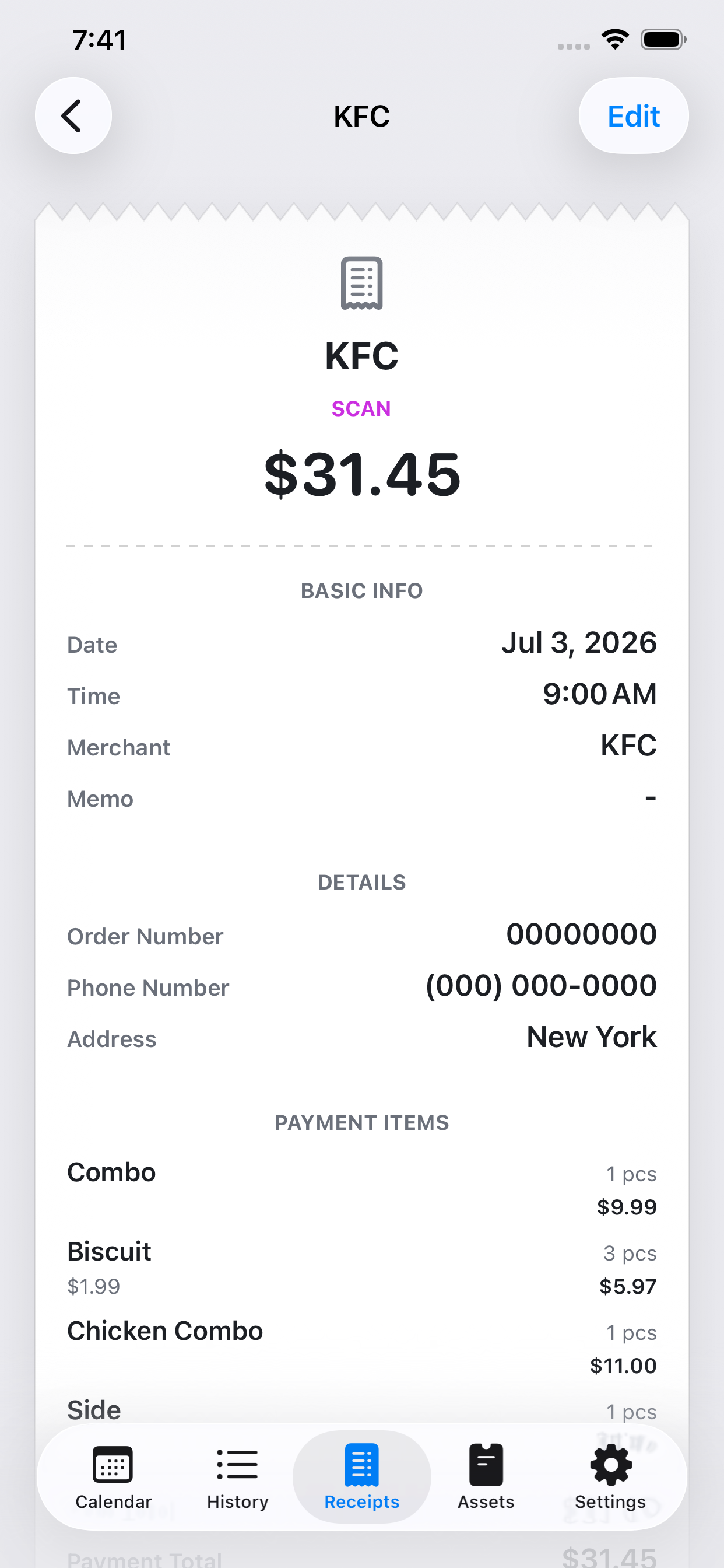
Capture or import a receipt, retain it in your receipt list, and analyze its details to build a structured virtual receipt or a matching financial entry. Review and edit the result before relying on it.
- Receipt list with search and grid or list browsing.
- Structured virtual receipt view for amounts, merchant details, and itemized information.
- Receipt-based record creation that connects documentation with your financial history.
Understand where your money is held.
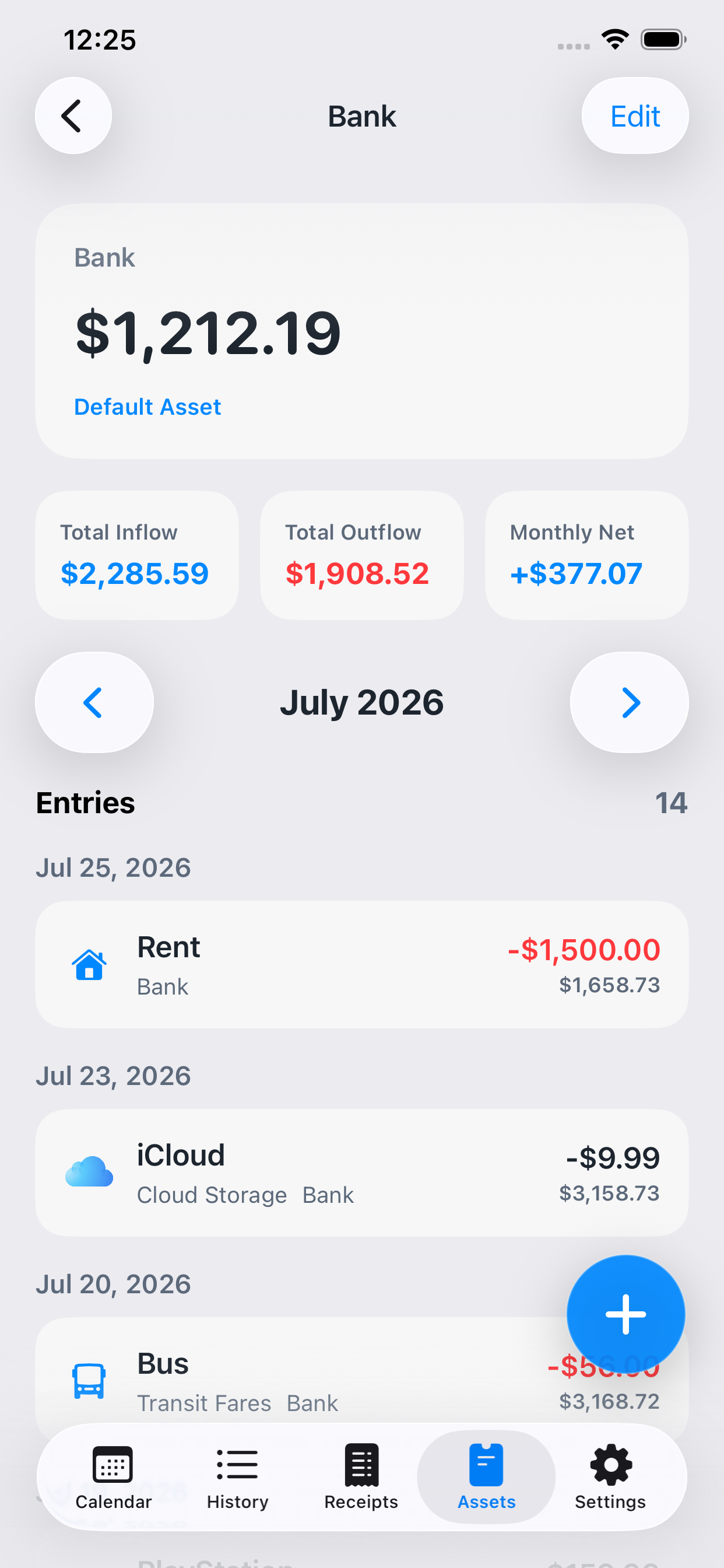
Keep assets and payment methods connected to your entries. Open an asset to review its balance, inflow and outflow figures, monthly net movement, and the individual records that explain the total.
- Assets, payment methods, transfers, and adjustments in one coherent system.
- Multiple-currency support for records that should remain in their original context.
- Asset-level activity view for tracing the movement behind a balance.
Know the next charge before it arrives.
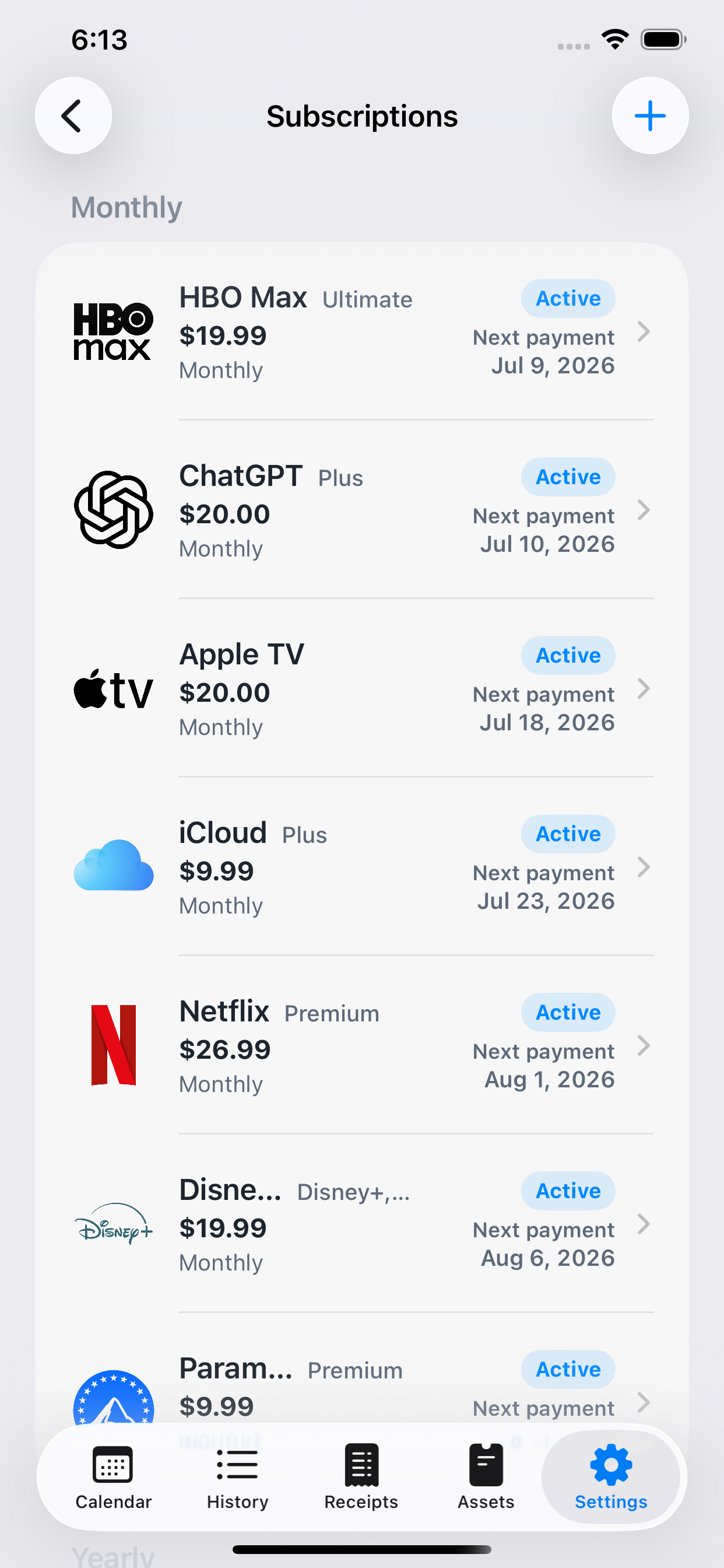
Keep recurring services together and see what is active, how often each service bills, how much it costs, which asset pays it, and when the next payment is expected.
- Monthly and yearly subscription grouping.
- Clear active status, price, billing cycle, and next-payment date.
- Subscription activity stays visible alongside regular spending in your calendar and history.
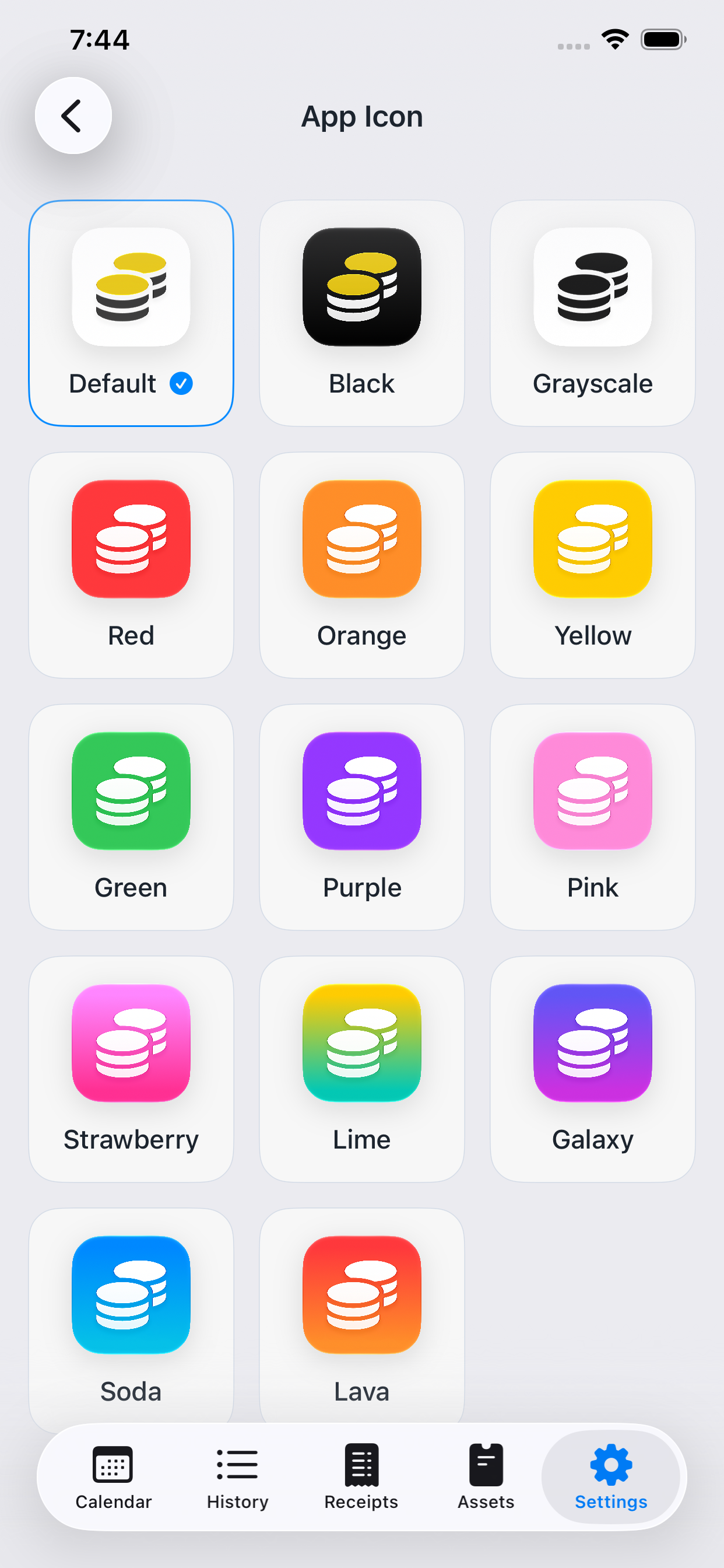
A finance app that still looks like yours.
Choose from the included app icon styles and colors to match your preference. The interface stays focused on your financial records, while the app’s presence on your home screen can be more personal.
- Included icon alternatives across neutral, single-color, and gradient styles.
- Change your selection directly from the app settings.
Smarter ways to manage your money are on the way.
We are preparing new features that make everyday recording faster and easier to begin, while helping you understand accumulated activity more deeply through budgets and statistics. From tools that help you review recurring subscription spending to broader language support and Android, we will continue expanding Kirocal's personal finance experience.
Add familiar subscriptions faster.
Popular services such as video, music, and cloud storage will be available as ready-made presets, so you can begin recording a subscription with a simple selection. With the service name and essential details filled in first, you only need to review and adjust what matters to you—such as the actual price, billing cycle, and payment method—significantly reducing repetitive data entry.
See whether you are staying within budget.
Set target amounts by week or month, or for categories such as groceries, dining, and entertainment, then compare actual spending with the budget you have left at a glance. By connecting the way your budget changes and any overspending with the calendar and individual records, Kirocal will help you adjust upcoming spending instead of simply reviewing the result afterward.
Income and spending flows, shown as clear statistics.
Clear statistics will organize changes in income and expenses over time, spending shares by category, and trends in recurring costs. Quickly see what has increased or decreased compared with an earlier period and which categories account for the largest part of your spending, turning accumulated records into useful context for your next financial decision.
Insights to help decide what to keep or clean up.
Kirocal will consider recorded subscription payments alongside your own responses to distinguish services you consistently value from those worth reviewing again. Rather than simply recommending cancellations, it will provide context for considering each subscription's cost, satisfaction, and role in your life, helping you decide what to keep according to your own priorities and build healthier recurring spending habits.
Experience Kirocal in more languages.
Beyond the languages currently available, we plan to steadily broaden support so more people can use every Kirocal feature and guide naturally in a language familiar to them. This goes beyond translating interface text: we will carefully consider familiar phrasing and context for each language, as well as essential financial details such as date, amount, and currency formats, so anyone can understand and manage their money comfortably from the start.
Kirocal is coming to Android.
We are preparing an Android version so more people can use Kirocal's personal finance experience regardless of device. The core recording, calendar, receipt, asset, and subscription tools that began on iPhone are being carefully adapted to feel just as natural on Android.
These upcoming features may be implemented differently in the final version, and some features may be added or omitted during development.
Experience new features before anyone else.
Try Kirocal's latest features and improvements before they reach the main release, then share what you learn. Your real-world experience helps us make every feature more stable, useful, and intuitive.


Bring the details of your finances into one place.
Use Kirocal for the everyday record, the receipt behind it, the account it affects, and the subscriptions that are coming next.